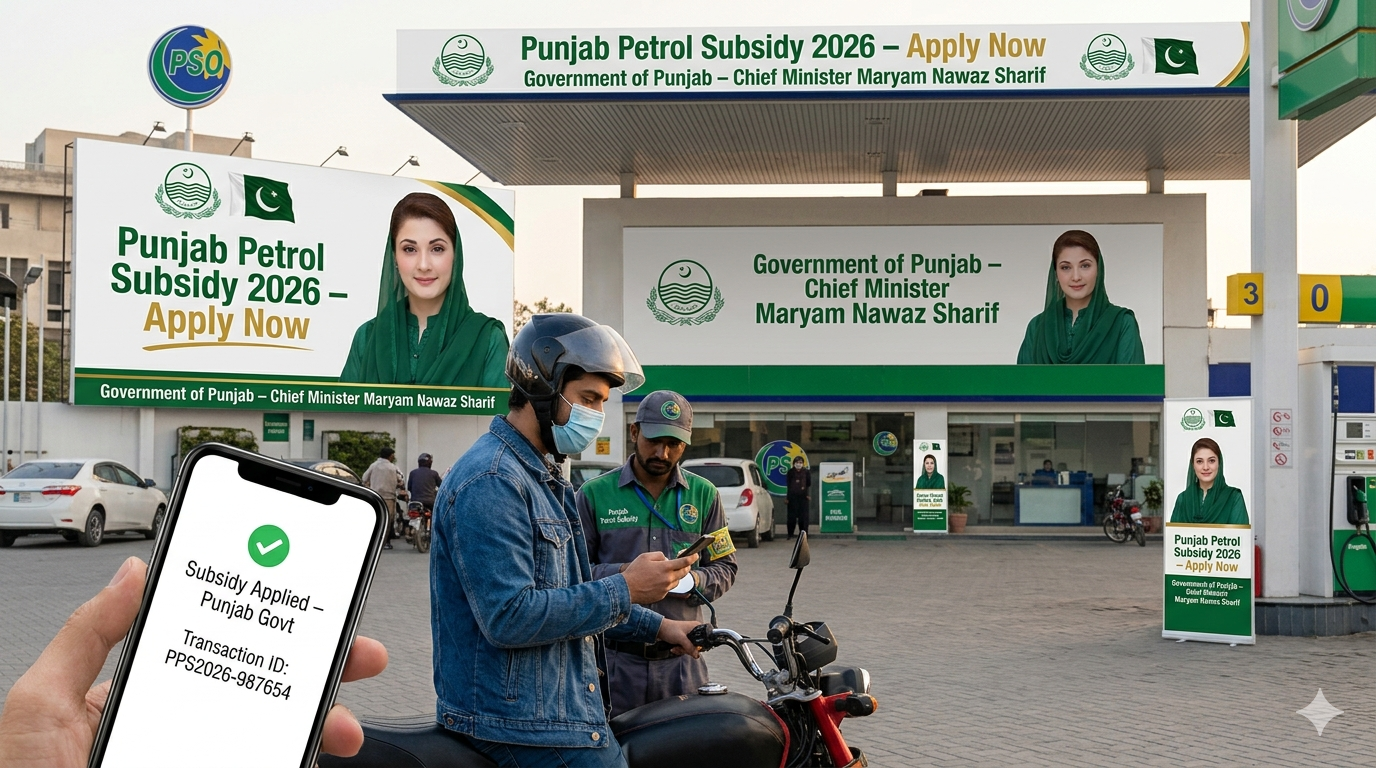
Petrol prices in Pakistan crossed Rs. 458 per litre in April 2026, and for motorcycle riders and rickshaw owners, that's a serious hit to daily income. To ease the pressure, the government launched the Pakistan Petrol Subsidy App 2026 a digital scheme that gives low-income vehicle owners discounted fuel every month, straight through their smartphone.
The app connects to NADRA and Excise databases, so only verified, eligible citizens can claim the benefit. No middlemen, no paper vouchers, no room for misuse.